February 25, 2026
From Media Plan to Reality: Tracking KPIs That Actually Matter
Every quarter starts the same way. The team builds an ambitious media plan with detailed KPIs for each channel, audience segment, and funnel stage. By week three, everyone is back to watching CPL and ROAS while the rest of the plan collects dust.
The problem isn’t laziness. It’s that manual KPI tracking across multiple platforms is genuinely painful. By the time you’ve pulled numbers from Yandex.Direct, Google Ads, Meta, and your CRM, the data is already stale.
Why Media Plans Break Down
Media plans fail at execution for three reasons:
Too many metrics, no hierarchy. When everything is a KPI, nothing is. Teams need a clear distinction between north-star metrics (the ones that trigger action) and supporting indicators (the ones that explain why).
Lag between data and decisions. If you only review KPIs in a weekly meeting, you’re always reacting to last week’s problems. Pacing issues and budget overruns need daily — sometimes hourly — visibility.
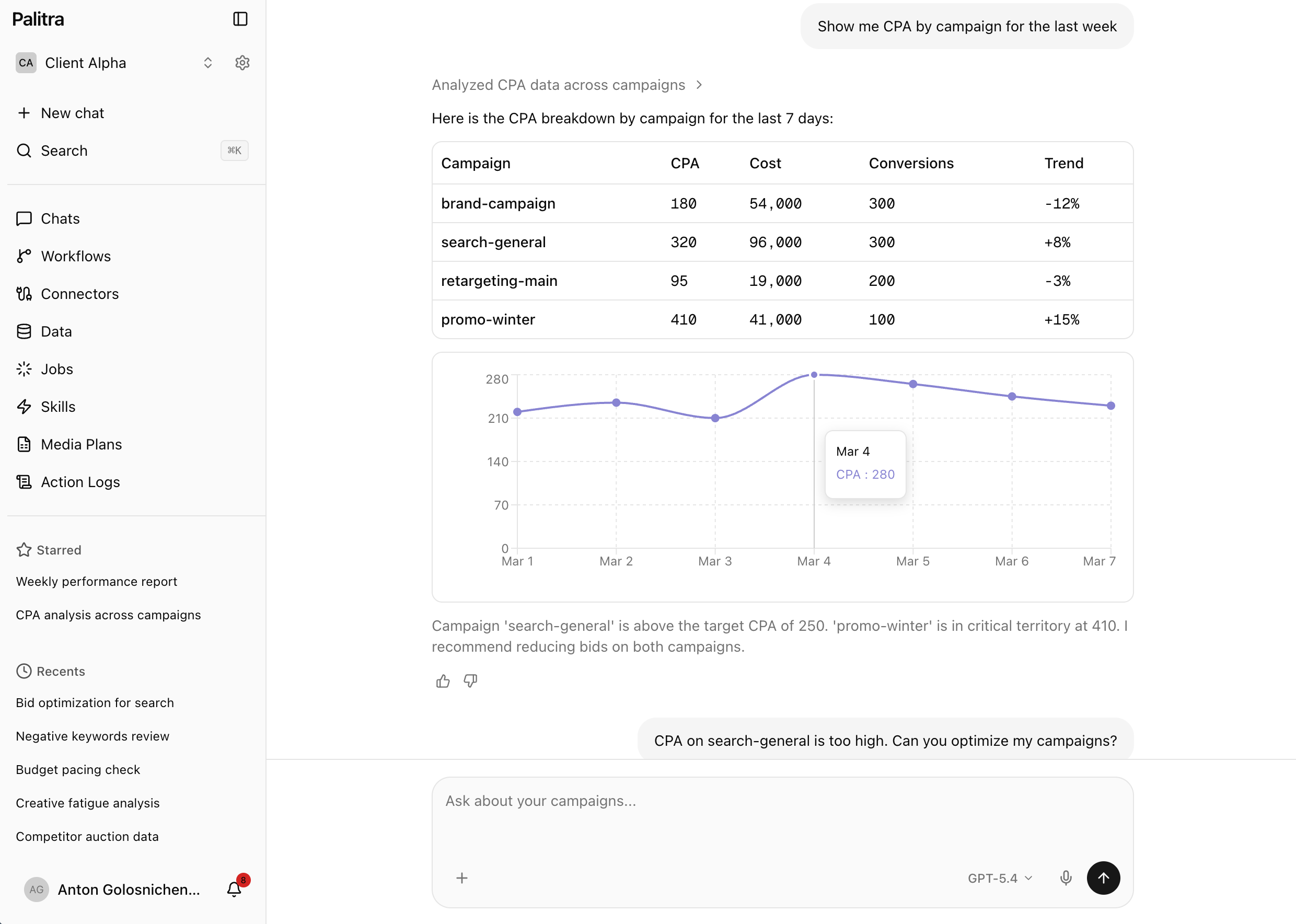
No accountability loop. A media plan without automated monitoring is just a spreadsheet. There’s no system alerting you when CPA exceeds the target by 20% or when a campaign burns through its weekly budget by Wednesday.
Turning Your Media Plan Into a Living System
The fix is turning your static media plan into an active monitoring system:
-
Upload your media plan as project context. Your optimization tools should know your targets — monthly budgets per channel, target volumes, CPA ceilings. This isn’t just a reference document; it should be woven into every analysis the system performs.
-
Define thresholds, not just targets. For each KPI, set an acceptable range. CPA target is $50? Set warnings at $40 (overperforming — consider scaling) and $60 (underperforming — investigate).
-
Automate data collection. Connect every ad platform via API connectors. Data should flow in continuously, not in daily batches. When a campaign starts overspending at 2 PM, you should know at 2:05 PM.
-
Set up guardrails. Cap maximum bid changes per cycle. Block budget increases that would exceed the monthly cap. Protect brand campaigns from automated modifications. These rules prevent optimization tools from overreacting.
-
Create escalation rules. Minor deviation — log it. Moderate deviation — send a Slack or Telegram alert. Major deviation — pause the campaign and notify the team lead.
Budget Pacing: The Underrated KPI
Most teams focus on efficiency metrics (CPA, ROAS) and ignore pacing — the rate at which budget is being consumed relative to the plan.
Underspending is just as problematic as overspending. If you’re 40% through the month but only spent 20% of the budget, you’ll face a frantic scramble to deploy capital in the last ten days, usually at worse efficiency.
An AI agent monitoring pacing daily can flag these drifts before they become emergencies. Better yet, it can suggest specific actions: “Increase daily budget by 15% on Campaign X to get back on pace, projected to add 120 conversions at $48 CPA.”
The Role of AI in KPI Compliance
AI agents take monitoring a step further. Instead of just alerting when KPIs drift, they analyze the cause and suggest fixes.
A campaign overspending? The agent checks if it’s a bid issue, audience expansion gone wrong, or a competitor driving up auction prices — and recommends the appropriate response. It also checks optimization history: has this type of adjustment worked before for this campaign? If not, it suggests an alternative approach.
Over time, the system learns from your specific data. It doesn’t repeat mistakes from previous optimization cycles and surfaces patterns that consistently deliver results.
Start Simple
You don’t need a perfect system on day one. Start with three things:
- Connect your top ad platforms to one central dashboard
- Set alerts for your two most important KPIs per channel
- Review the alerts daily for two weeks
That alone will catch problems days earlier than your current process. Then iterate from there — add media plan context, enable automated recommendations, and eventually let an AI agent handle the first pass of optimization.