MCP and API
Your ad data and tools inside the AI assistant you already use
Through Palitra's MCP gateway, Claude, ChatGPT, Cursor or your own systems get access to your ad account and analytics data. You decide what each connection can do: read reports only, or also change bids and budgets.
The routine it takes over
Before
Copying ad exports into an AI chat by hand
Discussing campaigns with Claude or ChatGPT meant exporting data, cleaning it up and pasting it into the chat, and a day later it was out of date.
After
Your assistant pulls fresh data from Palitra itself
Over MCP the assistant pulls current data from Palitra itself and uses only the tools you've granted.
What it does
Claude, ChatGPT and Cursor
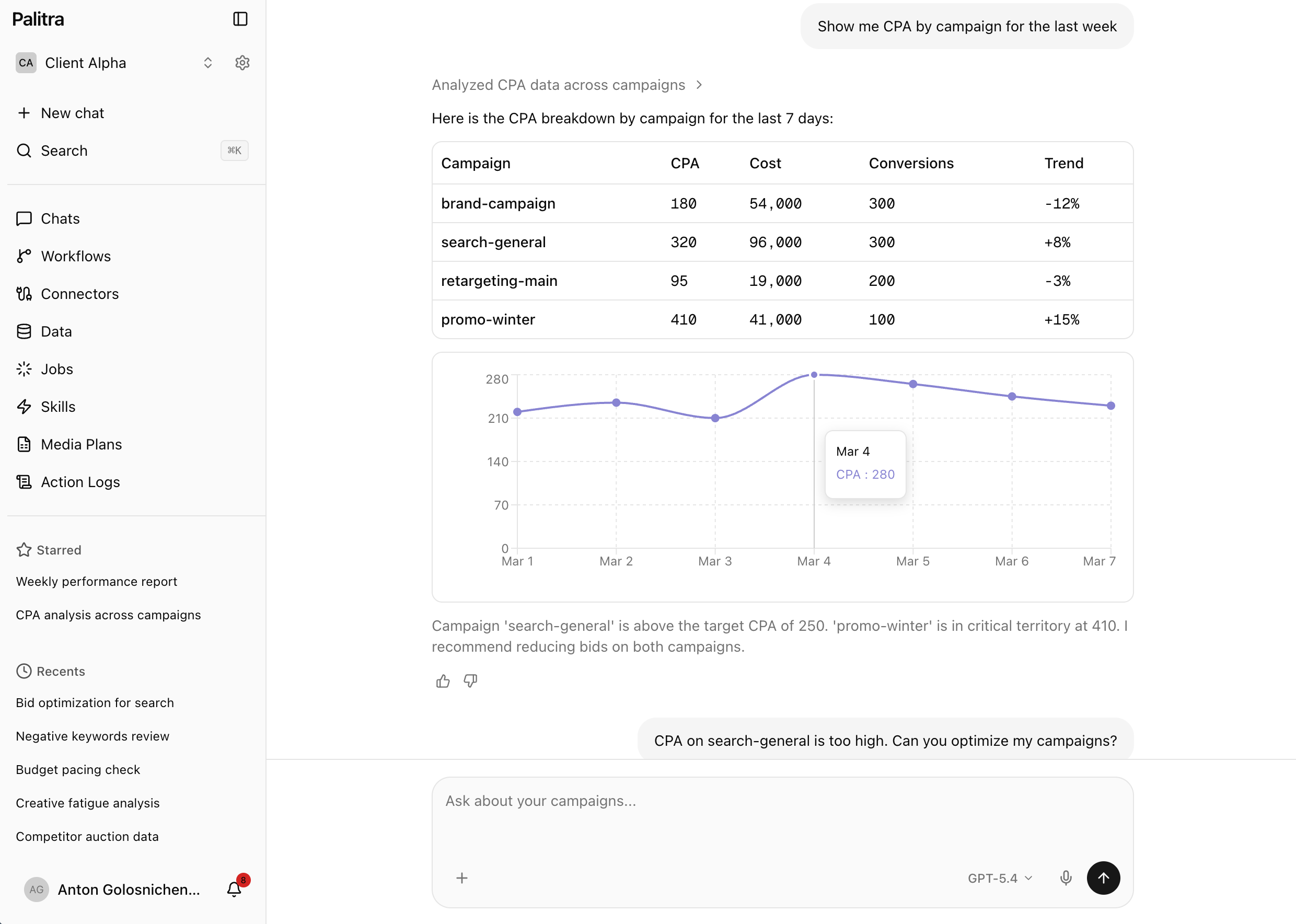
Connect the assistant you already use to Palitra through the MCP gateway and ask about your ads right where you work.
Your own systems
Internal services and scripts connect to Palitra over the same MCP protocol.
OAuth 2.1 with PKCE
Assistants authorize through standard OAuth 2.1 with PKCE, with no passwords handed over.
Personal access tokens
Issue personal access tokens for scripts and server-side integrations.
Per-toolset grants
Give each connection only the toolsets it needs, for example read-only reports with no permission to change bids.
Plans
MCP and API are included in Scale and Enterprise and available as an add-on on Pro.
What it looks like
You: Compare ACoS across all projects for September vs August.
 Palitra · run_report
Palitra: Pulled data from Palitra for 12 projects. ACoS went up in four, most of all for the furniture store: 16% versus 11%. The rest are within target.
Project August September Furniture store 11% 16% Hair salon 8% 10% Home builder 14% 15% You: Cut bids by 10% in the furniture store's campaign with the worst ACoS.
Palitra: I can't: this connection only has read access to reports. To change bids, widen the connection's access or make the change in Palitra.
Available on
- Starter— not included
- Pro— not included
- Scale— included
- Enterprise— included
Related features
Data and tracking
Leads and sales next to your ad spend: a cookieless pixel, link tagging, webhooks, an API and CSV uploads.
Control and approvals
The agent works inside your rules: tool permissions, change limits, approvals and an audit log.
Multi-client
No more separate logins and spreadsheets for every client: one project per client, shared credentials and roles.
FAQ
Didn't find your answer? Get in touch and we'll walk you through it in a demo.