Multi-client
Run advertising for dozens of clients in one place
A new client is a new project in Palitra, not a new hire. Set up credentials and roles once and they work across every client.
The routine it takes over
Before
Separate logins, spreadsheets and reports for every client
Every new client meant more logins, more exports and one more Friday report.
After
One project per client, shared credentials
A client is a project in Palitra: data, chats and access rights live inside it, and shared ad account credentials are set once at the organization level.
What it does
A project per client
Each client's data, chats and reports live in its own project, isolated from every other project.
Shared credentials
Connect ad account credentials once at the organization level and override them for a specific project when needed.
Roles at two levels
Owner, Admin and Member at the organization level; Manager, Viewer and Guest at the project level.
Guest access for clients
The Guest role gives a client read-only access to their project: they see reports and results but can't change anything.
Unlimited users
One subscription per company and as many users as you need on every plan. A new teammate doesn't add to the bill.
White-label
Palitra under your brand. Available on Enterprise and as an add-on on Scale.
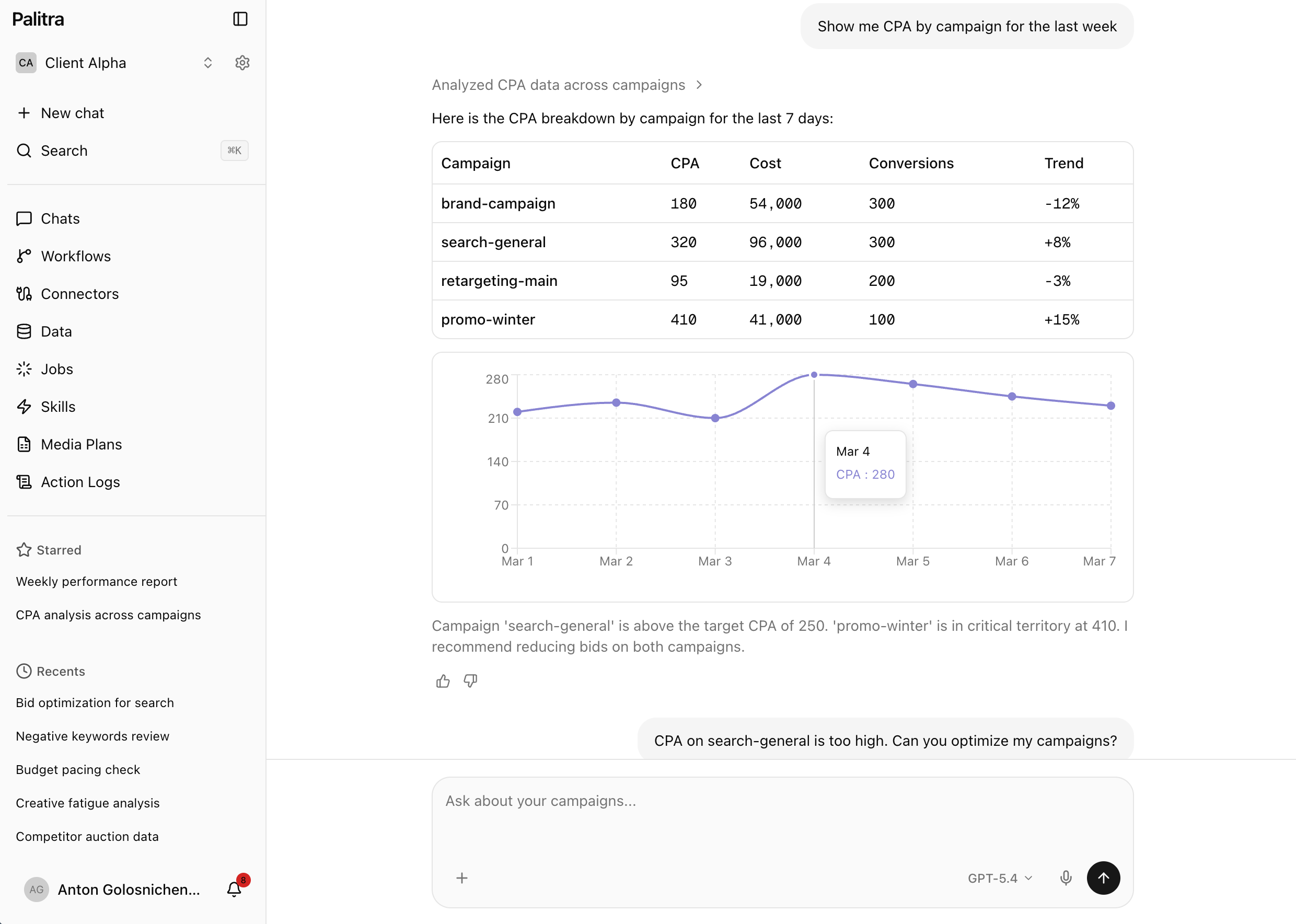
What it looks like
Acme Co
Spend this week
CPA
Available on
- Starter— included
- Pro— included
- Scale— included
- Enterprise— included
FAQ
Didn't find your answer? Get in touch and we'll walk you through it in a demo.